COMSOL Application Builder, Python Automation, and Surrogate Modeling
- Taught by Alejandro Cifuentes López
- This course is part of the following academic programs:
- Master Degree in COMSOL Multiphysics Modeling: Electromagnetism & Optics
- Master Degree in COMSOL Multiphysics Modeling: Chemical Engineering & Electrochemistry
- Master Degree in COMSOL Multiphysics Modeling: Structural Mechanics & Acoustics
- Master Degree in COMSOL Multiphysics Modeling: Fluid Mechanics & Heat Transfer
- Also available to be included in a Custom Program
This course focuses on the development of advanced simulation tools using COMSOL Multiphysics. Students will learn how to transform complex multiphysics models into customised applications, automate simulation workflows using Python and the COMSOL API, and use surrogate modeling techniques to accelerate analysis and design exploration.
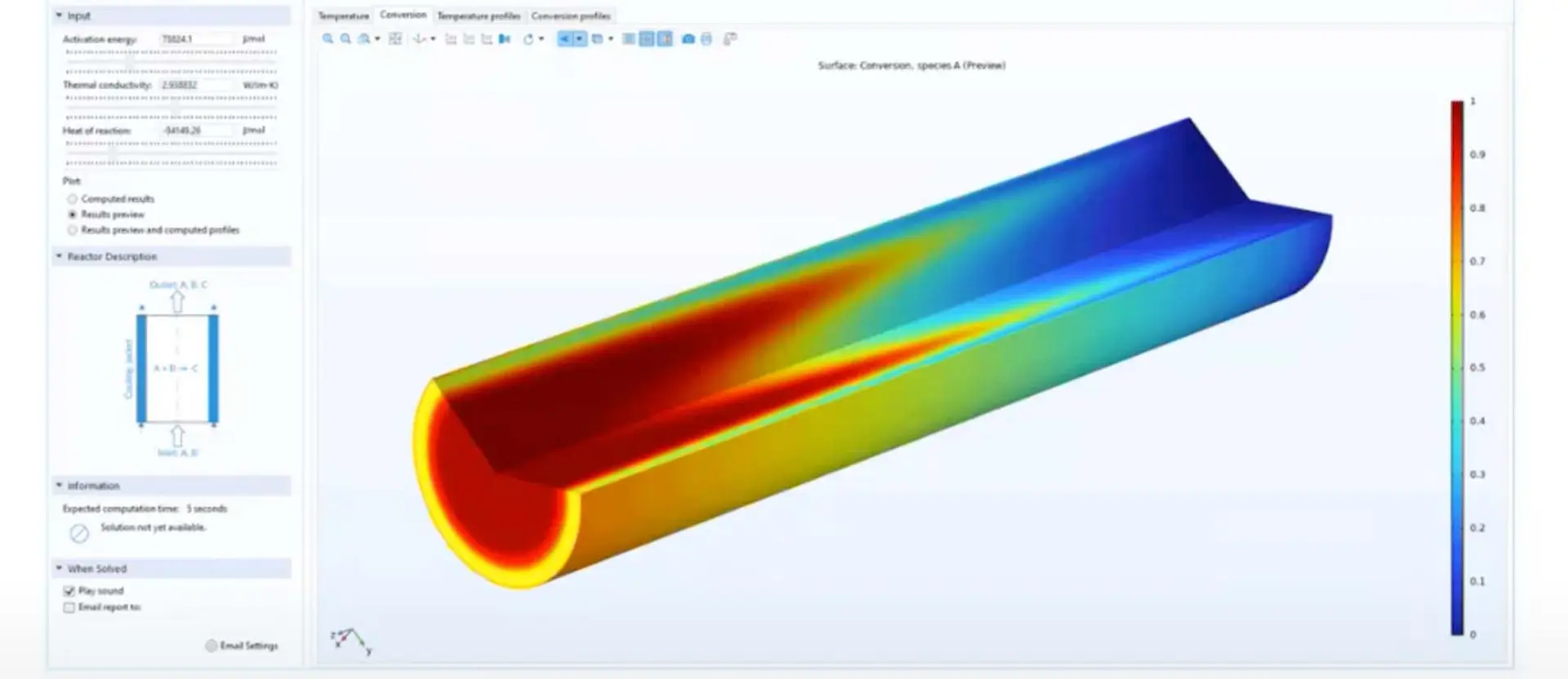
The course combines three complementary approaches. First, students will work with COMSOL Application Builder to create intuitive user interfaces for simulation models, including forms, input fields, buttons, graphics and result visualisation tools. These applications allow complex models to be used by non-expert users in a controlled and accessible way.
Second, the course introduces Python-based automation for COMSOL models. Students will learn how to run simulations, modify parameters, automate parametric studies, extract results and connect COMSOL with external data analysis workflows.
Finally, students will explore the use of surrogate models as fast approximations of computationally expensive simulations. These models can be used to speed up parametric studies, support optimisation and create interactive simulation tools where real-time or near-real-time responses are required.
By the end of the course, students will be able to develop practical simulation applications that combine COMSOL models, graphical interfaces, automated workflows and surrogate-based approaches.
- Application Builder and Basic Tools
- Introduction to COMSOL Application Builder.
- Creation of customised simulation applications.
- Design of forms and user interfaces.
- Input fields, buttons, graphics and result visualisation.
- Connection between application components and model parameters.
- Development of simulation tools for non-expert users.
- Python Automation and COMSOL API
- Introduction to automation of COMSOL models with Python.
- Running and controlling simulations from external scripts.
- Automation of parametric studies.
- Extraction, processing and export of results.
- Integration with Python-based data analysis workflows.
- Practical use of the COMSOL API and/or
mphPython interface.
- Surrogate Modeling
- Introduction to surrogate modeling for numerical simulation.
- Generation of datasets from COMSOL simulations.
- Training and validation of surrogate models.
- Fast prediction, design exploration and optimisation.
- Integration of surrogate models into simulation workflows.